Don’t Forget To Read Our FAQ
This is where you set up new tasks with meeting links, key points, reminders, and priorities so everything is organized and easy to track.
Your main hub that shows tasks as cards, grouped by status (Upcoming, Due Today, Late, Follow-Ups, High Priority). It gives you an instant overview of what needs attention.
Follow-ups always connect to an existing task. The page shows the original task details alongside your follow-up notes, keeping all updates and history together in one place.
A personal link where others can book time with you, make payments if needed, and get instant on-screen confirmation. No back-and-forth emails required.
The Settings page is where you connect your own accounts, such as Zoom, Google Meet, Stripe, PayPal, Canva, ChatGPT, and Zapier. Don’t Forget does not provide these accounts—you bring yours. Everything you connect stays private: we do not have access to your logins, payment details, or any of your integration data. All activity runs directly through your own accounts, with no extra fees added by us.
Guests can join video calls with a temporary link and code. They don’t see your dashboard or notes, making it simple for them and secure for you.
You can view daily, weekly, or monthly stats on your tasks, bookings, and payments whenever you need them. This helps you track progress and stay organized.
The FAQ gives quick answers to common questions, and the blog shares helpful tips and updates to make the most of the platform.
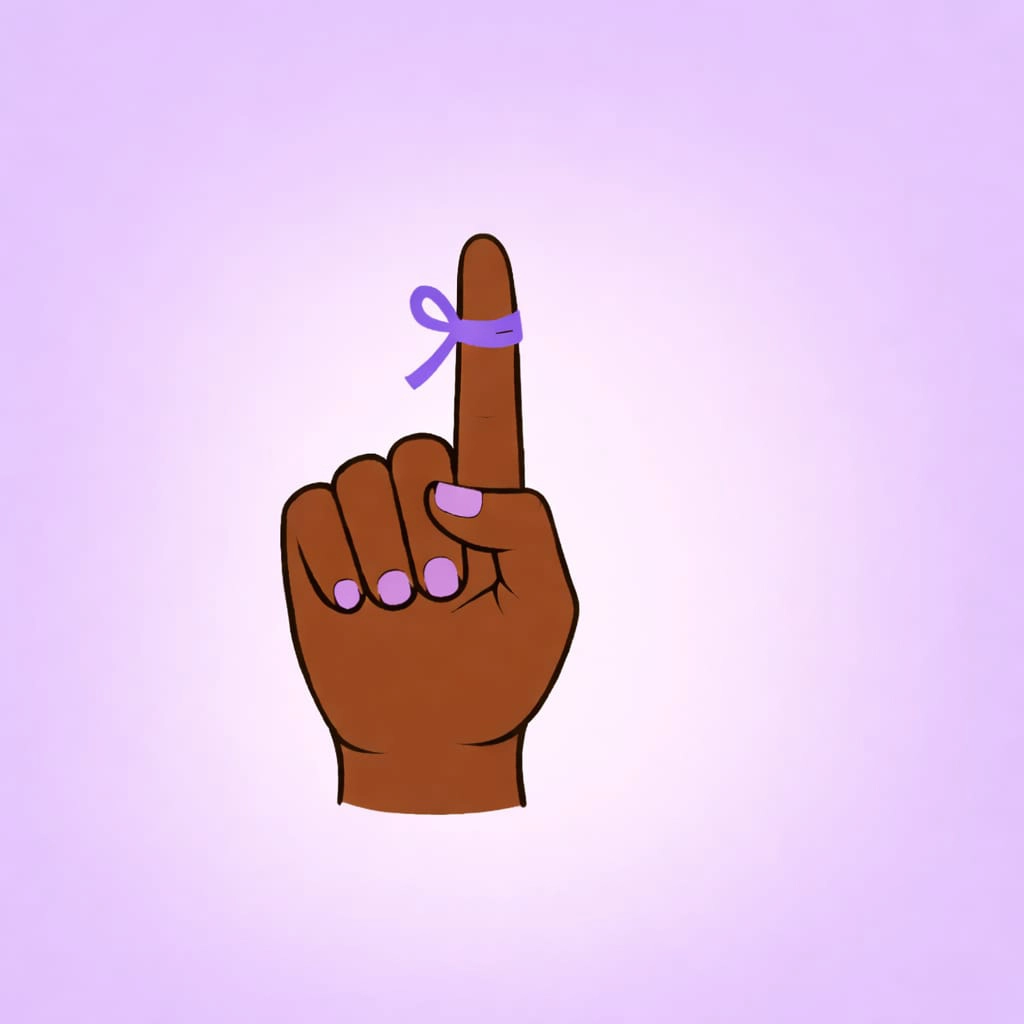
In the past, people tied a string or ribbon around their finger as a reminder. Our logo reimagines that classic symbol in modern colors, showing that this is the place where you’ll never forget important things.